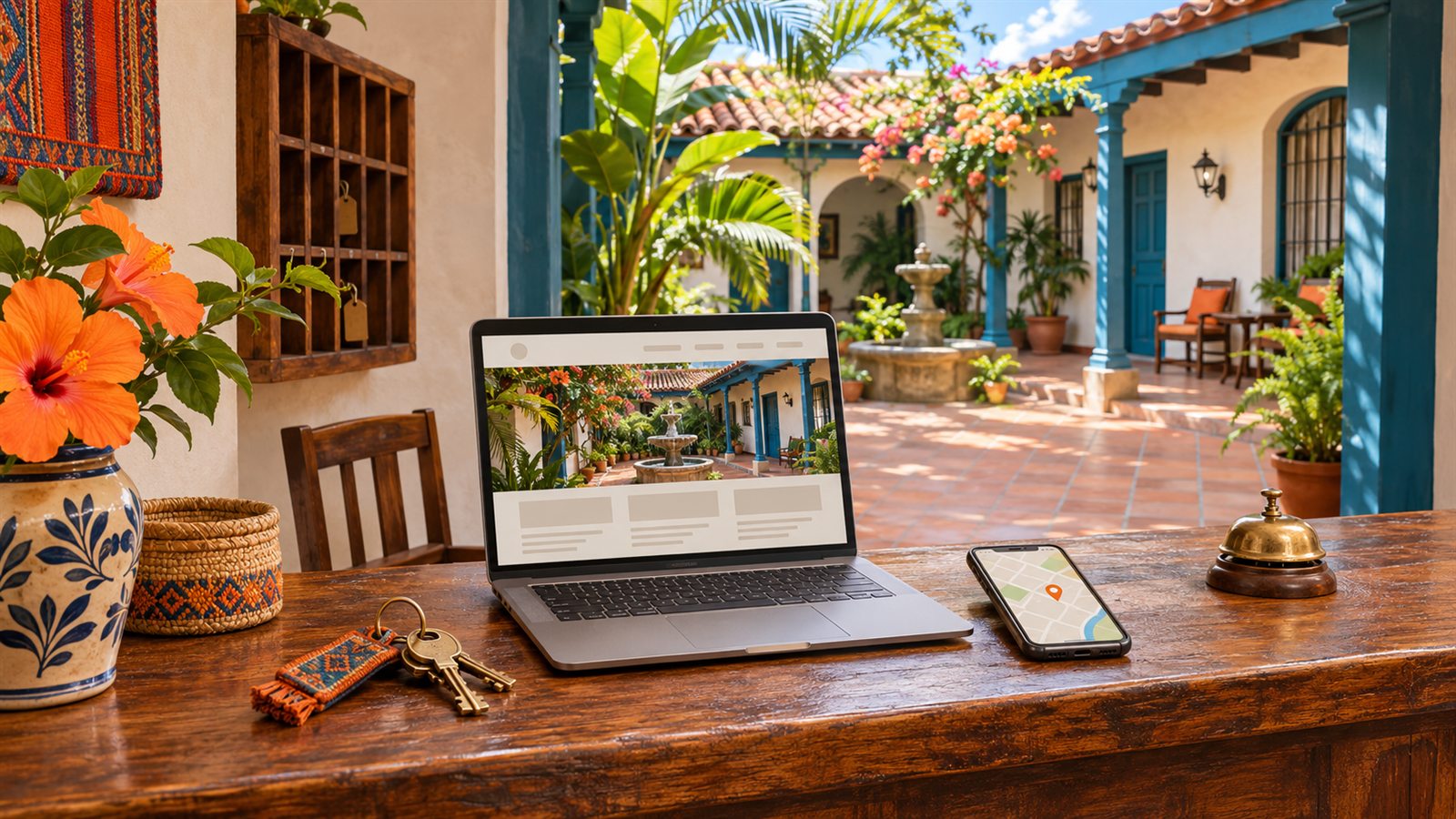
Imagine you run a twelve-room hotel. A traveller sees its name on a booking platform, searches for it on Google and opens your website to check parking and find out how to book. If they find old photos, conflicting information or a button that does not work on their phone, they will have to keep asking or look elsewhere.
Working on your digital presence starts with that journey. SEO helps search engines understand your site; a well-maintained local listing and a clear website help guests decide. No recipe guarantees rankings, visits or revenue. There are, however, practical tasks you and your team can work through.
A website that answers guests’ questions
Google recommends useful content, descriptive titles and links that help people discover your pages. For a hotel, start with rooms, location, services and policies. Write naturally about what guests need to know: repeating “best hotel” does not explain what you offer. See Google’s SEO starter guide.
A change you can make today. Instead of calling a page “Home”, try an accurate title such as “Hotel [name] in [town] | Rooms and bookings”. On a room page, explain how many people it sleeps, what beds it has and what the rate includes. Avoid describing a room as having a sea view when only a sliver of water is visible.
Collect the questions reception receives over a week. If several guests ask how to arrive after dark, write clear directions and link to them from your location and contact pages. Content drawn from running your hotel can be more useful than generic travel articles.
Make your hotel recognisable in local search
Claim and verify your Google Business Profile. Check its name, category, phone number, address, map pin and website link. Google says local results mainly depend on relevance, distance and prominence; you cannot pay to improve that ranking. Read its local ranking guidance.
Review the listing with reception: open it as a guest would and check whether it takes you to the right entrance. If your hotel uses a side entrance, explain that on your website too. Keep details consistent wherever you advertise your accommodation and fix links that still lead to an old website.
Recent photos and reviews of real stays
Photograph what guests will actually find: the entrance, bedrooms, bathrooms and shared spaces. Show meaningful differences between room categories and remove pictures of services you no longer offer. Bright photography can help explain a space; editing that changes its apparent size creates expectations your team may struggle to meet. Google lets you add photos and videos to your profile.
After a stay, you can invite guests to share feedback using a Google review link or QR code. Ask for honest opinions without discounts, gifts or conditions about the rating. Google requires genuine experiences and prohibits incentives in exchange for reviews. Read its tips for getting reviews.
If someone reports noise at night, respond respectfully and look at what your team can change. Avoid arguing or revealing booking details publicly. Repeated questions and comments can also help you spot information missing from your website.
Try the booking journey on a phone
Google uses the mobile version of a site’s content for indexing and ranking. Important information must remain available on small screens. Its mobile-first indexing guidance explains how this works.
Test on a real phone with an everyday connection, as well as resizing a desktop window. Open a room page, find its policies and tap the booking button. Check that the calendar works, text is readable and floating elements do not cover the controls.
A direct booking needs a consistent journey: room names, dates and conditions should make sense as guests move from your website to the booking engine. If guests have to re-enter details or cannot understand the final price, note that for your provider to review. You can find many of these obstacles without making a real payment; agree on a test mode when you need to check confirmation.
Google’s ecosystem for hotels
A guest might search for your hotel by name, compare places for their travel dates or click an ad. Different tools serve each step:
- Google Business Profile and Maps. Google Business Profile, formerly Google My Business, lets you manage the listing travellers see in Search and Maps. Start by verifying it and checking the address, phone number and website link. See Google’s guide to hotel Business Profiles.
- Google Hotels, or hotel search on Google. This is where travellers compare places by location, dates and price. If you connect your rates and availability through a compatible provider, your website can appear among the booking options. With free booking links, Google does not charge for the click through to your booking page. See how travellers search for hotels.
- Google Hotel Ads. These are paid placements selected through an auction and labelled as ads. They can appear alongside free booking links. Buying them does not improve your position in hotel search results or among free booking links. Consider the spend once you can track which bookings are completed.
Updating your Business Profile does not connect your rates by itself. Since 30 July 2025, hotels can no longer add rates directly through the profile. Google recommends working with a reservation system or partner. Read its notice about the change.
Before paying for a connection, ask your provider which hotels it supports, how it supplies prices and availability to Google, where guests will land and what service fees apply. “Free” describes Google’s click; it does not mean your provider, booking engine or setup work will have no cost.
Social media that shows what your hotel offers
Start with a channel your team can keep up with. Use real images and link to the page on your website that answers the question raised in each post.
- YouTube: post a short room tour and show guests the way from the entrance to reception.
- Instagram: save rooms, breakfast and directions in Highlights so the information stays easy to find as you post new material.
- TikTok: answer one common question in a short video, such as how to get in if you arrive after ten at night.
X can be useful for updates if guests already check that profile. Microsoft Teams is a contact channel if your team monitors it and can share a link guests can open. You can skip it if your regular channels already serve guests well.
Keep visibility, visits and bookings separate
A click on “Book” signals interest; a confirmed booking means another step has been completed. To avoid mixing them up, agree on what each tool records and review the same date range.
| Question | Measure | Where to look |
|---|---|---|
| Does my site appear on Google? | Search impressions and clicks. | Search Console, filtered by page, query and device. |
| Do people reach my website? | Sessions and pages visited. | Your configured analytics tool. |
| Do they start booking? | Booking-engine clicks or stay searches. | Events explicitly recorded by your website or engine. |
| Do they complete bookings? | Confirmed bookings, with tests and cancellations separated. | Your booking engine or hotel records. |
Search Console reports impressions and clicks, which do not prove bookings. For free booking links, check Hotel Center reports if you have access to them.
If the booking engine uses another domain, ask about Analytics cross-domain measurement: it requires compatible setup across the participating domains. Do not assume that installing analytics on your homepage tracks the journey through to confirmation. That measurement depends on the engine, the access available and privacy settings.
Read the numbers as a journey. Suppose you record 300 website sessions, 30 booking-engine opens and 3 confirmed bookings in one month. These figures illustrate the idea; they are neither NearbyBooking results nor targets for your hotel. Before dividing them to calculate a rate, check that they cover the same journey and can be linked. If that connection is missing, keep them as separate indicators.
Where to start when time is short
- Check the basics. Review your profile’s phone number, map pin and link. Ask someone else to find your hotel without directions from you.
- Improve one page. Choose the room that receives the most questions and answer them with current information and photos.
- Go through a mobile booking. Note confusing steps and first fix anything that prevents progress.
- Make time each month to review the numbers. Keep a record of changes and compare periods with seasonality, promotions and availability in mind.
You do not need to open every channel at once. A maintained website, a recognisable profile and a booking journey you can check are a manageable starting point for a small team.
Google sources
Original sources checked on 4 November 2026. The Google ecosystem section was updated on 9 November 2026. Review these links before buying or setting up a service.
- SEO starter guide
- Local ranking and Business Profile
- Genuine reviews and recommendations
- Mobile-first indexing
- Free booking links and Hotel Ads
- End of direct rate entry through Business Profile
- Search Console performance reports
- Google Analytics cross-domain measurement
What happens after a guest reaches your website?
Explore the NearbyBooking booking demo and review whether the journey fits your hotel. For Google connections or analytics, ask us to confirm the scope for your setup.
View the booking demo